Windows
Windows 10 and 11, 64-bit
Recommended: signed by Microsoft, no SmartScreen warning, updates through the Store.
Installer (.exe)
Not signed yet, so Windows SmartScreen may warn you (“More info” → “Run anyway”). Updates itself.
Boards, docs and plans in an app of their own — out of the browser tabs, one click from the dock or taskbar, with system notifications from the tray.
Free · Windows, macOS and Linux
 Brainitive
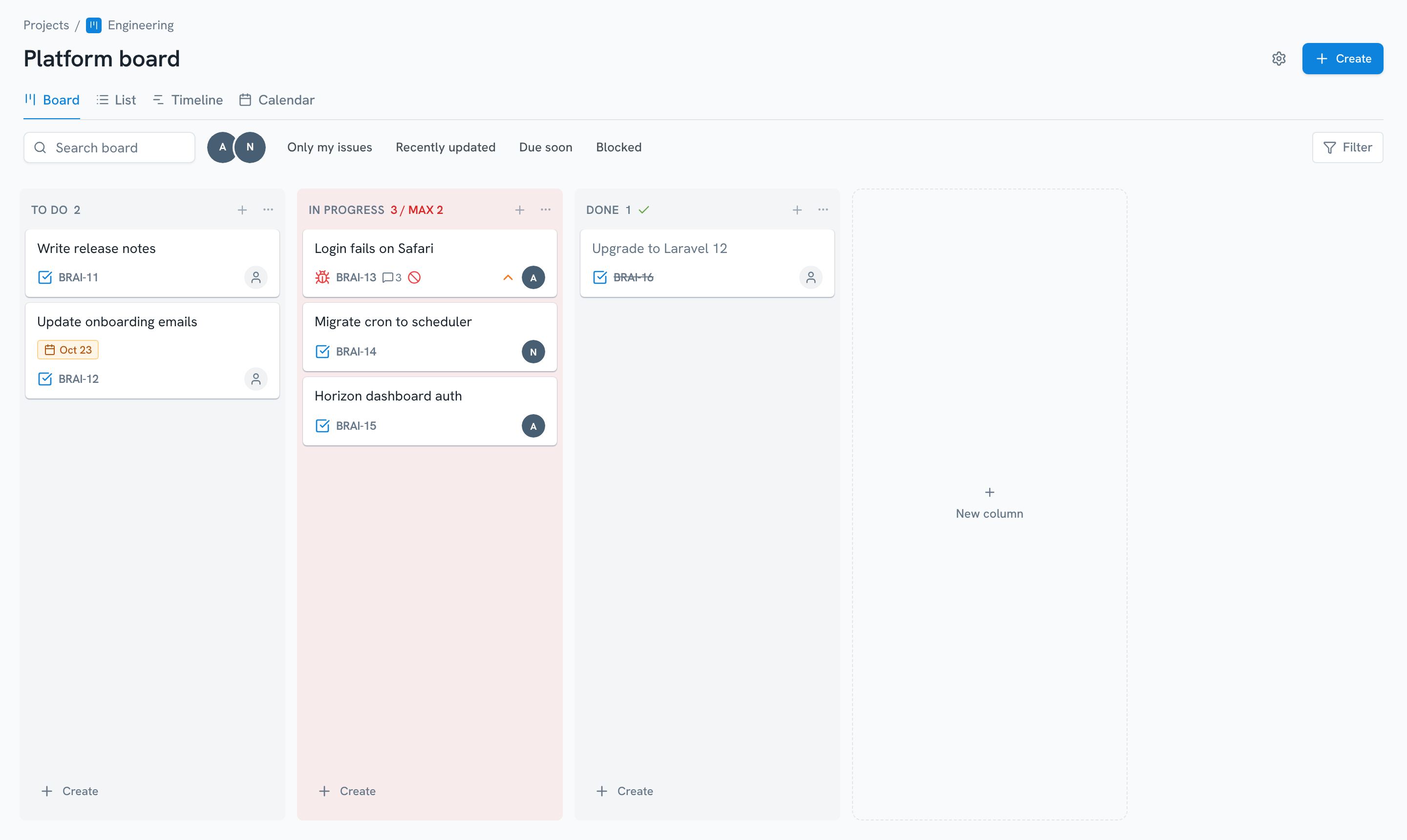
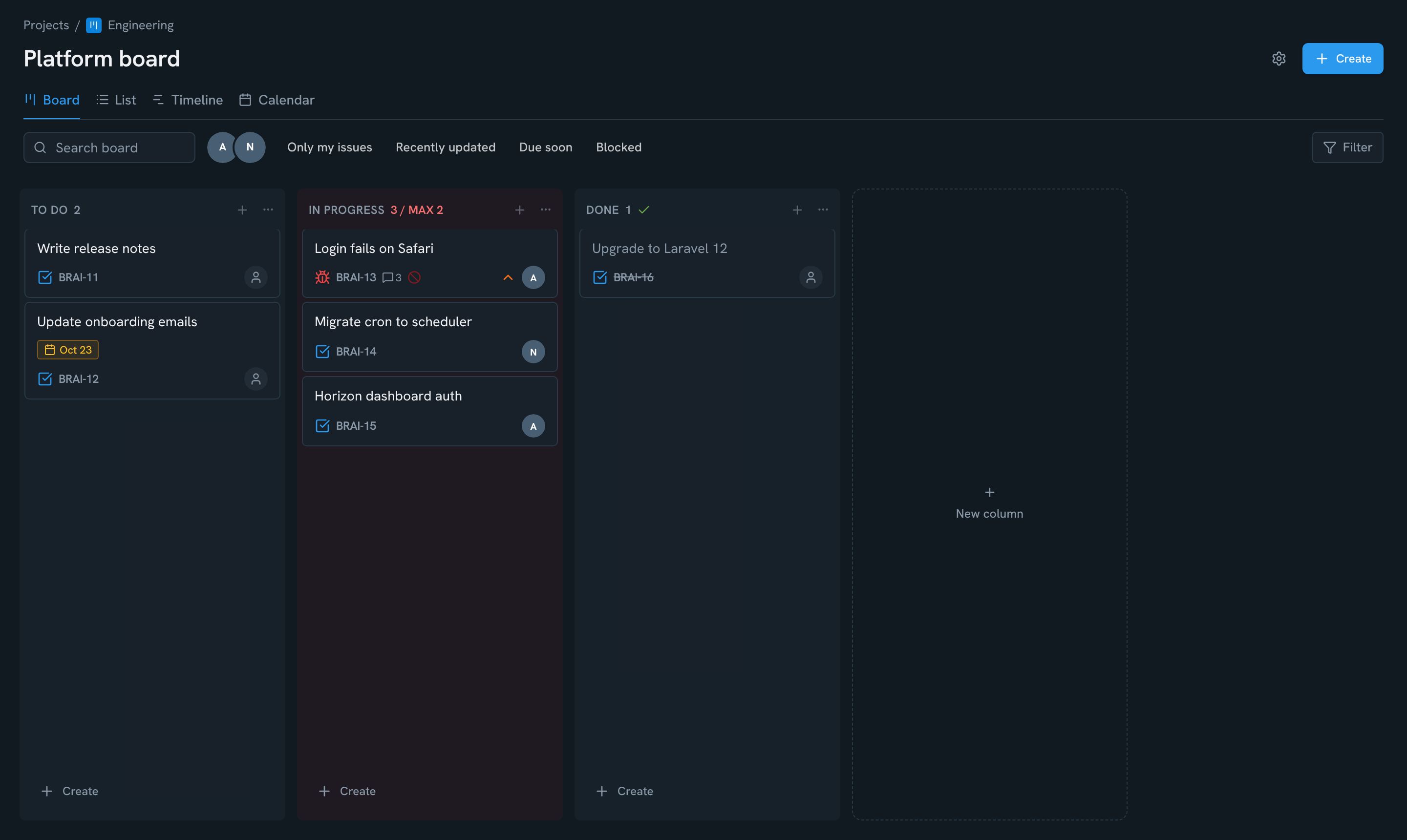 Brainitive now

Version 1.0.2. Works with Brainitive Cloud or your own server (v1.49.0 or newer).
Windows 10 and 11, 64-bit
Recommended: signed by Microsoft, no SmartScreen warning, updates through the Store.
Not signed yet, so Windows SmartScreen may warn you (“More info” → “Run anyway”). Updates itself.
Apple silicon and Intel
One universal app for every Mac, signed and notarized by Apple. Open the DMG and drag Brainitive into Applications.
x86-64
Runs on most distributions: make it executable (chmod +x) and start it.
Installs with sudo apt install ./Brainitive_1.0.2_amd64.deb.
Version 1.0.2 · All releases on GitHub
Sign in to Brainitive Cloud, or enter your own server's address — it needs Brainitive 1.49.0 or newer.
The Store version updates through the Microsoft Store; the other builds update themselves.
Every Brainitive release, newest first.
Guides for the app, self-hosting and integrations.
Apps for iPhone and Android are coming soon.