Plan it. Write it. Ship it.
— in one workspace.
Boards and sprints, docs, whiteboards and Gantt plans that link to each other — and Brainitive comes along to your browser, terminal and AI assistant. Less switching, more doing.
By signing up with Google, GitHub or Microsoft you agree to the Terms of Use. How we handle your data is explained in the Privacy Policy.
- Free for teams of up to 3
- No credit card
- Every feature in every plan
- Hosted in the EU
Brainitive, exactly where you are
In your browser, your terminal and your AI assistant — capture, create and find things without switching tabs.
Save anything from your browser
- Issue from any page
- Bookmarks & docs
- Snippets
- My Work alongside
Save anything from your browser
For Chrome, Edge and Firefox. A page, a selection or a screenshot of an area becomes an issue, a doc or a bookmark — in two clicks.
- Issue from any pageLink, selected text and a screenshot of an area.
- Bookmarks & docsSave links or clip an article as a clean doc.
- SnippetsRight-click selected code: saved with its language.
- My Work alongsideYour issues and tasks in the side panel; “bt” searches.
Brainitive in your terminal
One command installs it on macOS, Linux and Windows. Sign in through your browser once — then capture, create and search without leaving the terminal.
- Capture from anywhereA thought, a link, your clipboard or a file.
- Issues, tasks, snippets, docsWith screenshots; publish Markdown as a doc.
- One file, nothing to set upBrainitive Cloud or your own server.
- A bridge for AI agents“brainitive mcp” gives local AI tools your workspace.
Your AI assistant, in your workspace
Claude, ChatGPT, Cursor and other AI tools connect to Brainitive’s MCP server: they read your boards and docs, create issues and set up whole projects — as you, with your permissions.
- Sign in, no API keysConnect with OAuth in a few clicks.
- 70+ toolsBoards, docs, sprints, Gantt plans, calendar, snippets.
- Cloud and self-hostedEvery instance runs its own MCP server.
- Safe by designOnly what the signed-in person may see and do.
curl -fsSL https://github.com/armendzekjiri/brainitive/releases/latest/download/install.sh | shhttps://www.brainitive.app/mcpEverything you need, in one place
Every feature is in every plan. Pick an area to see what it does.
Boards & Scrum
6 features
Gantt plans & releases
3 features
Docs & wiki
6 features
Whiteboards
1 feature
My Work & capture
8 features
Calendar & booking
4 features
Helpdesk
4 features
Client portal & forms
5 features
Time tracking & billing
3 features
Insights & health
3 features
AI, MCP & CLI
3 features
Automation & integrations
4 features
Import & export
2 features
Workspaces & teams
8 features
- What's newEvery release, every change
- All features60 features in one place
From the first workshop to the last release
Plan on a timeline, run sprints, answer customers and bill the hours — all connected.
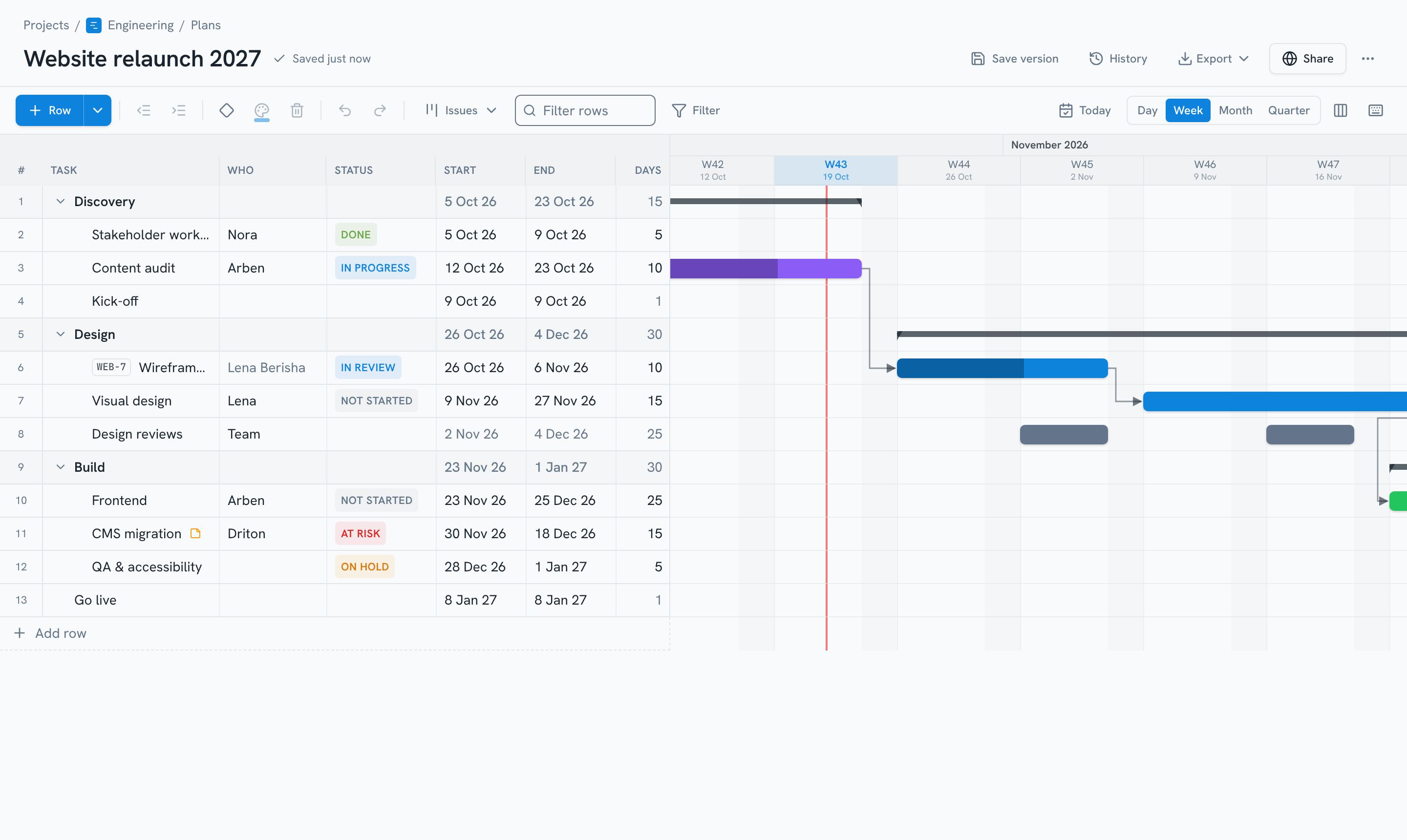
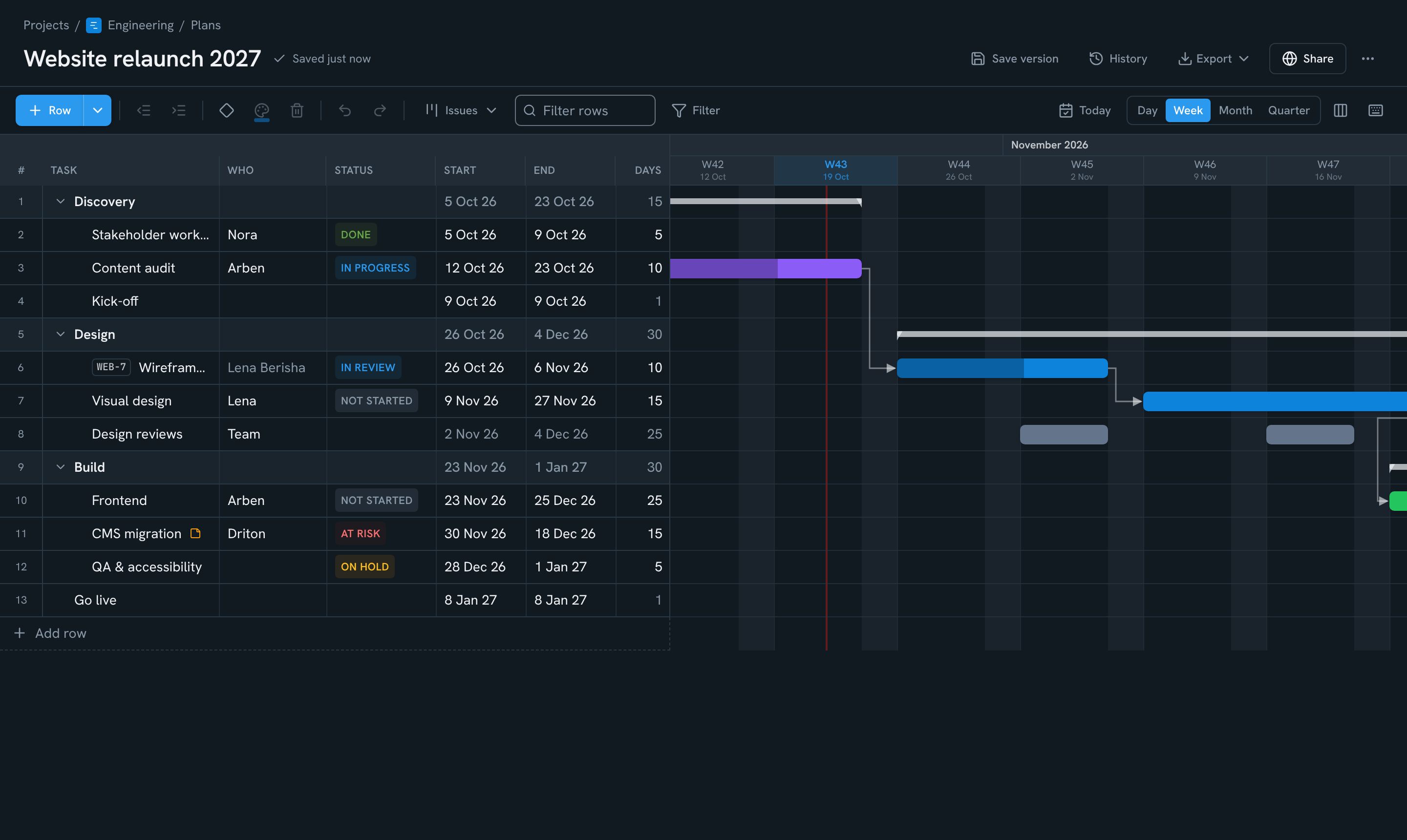
Gantt plans & releases
See the whole project on one timeline
- Phases, milestones and dependencies
- Drag bars, paste rows straight from Excel
- Rows linked to board issues stay in sync
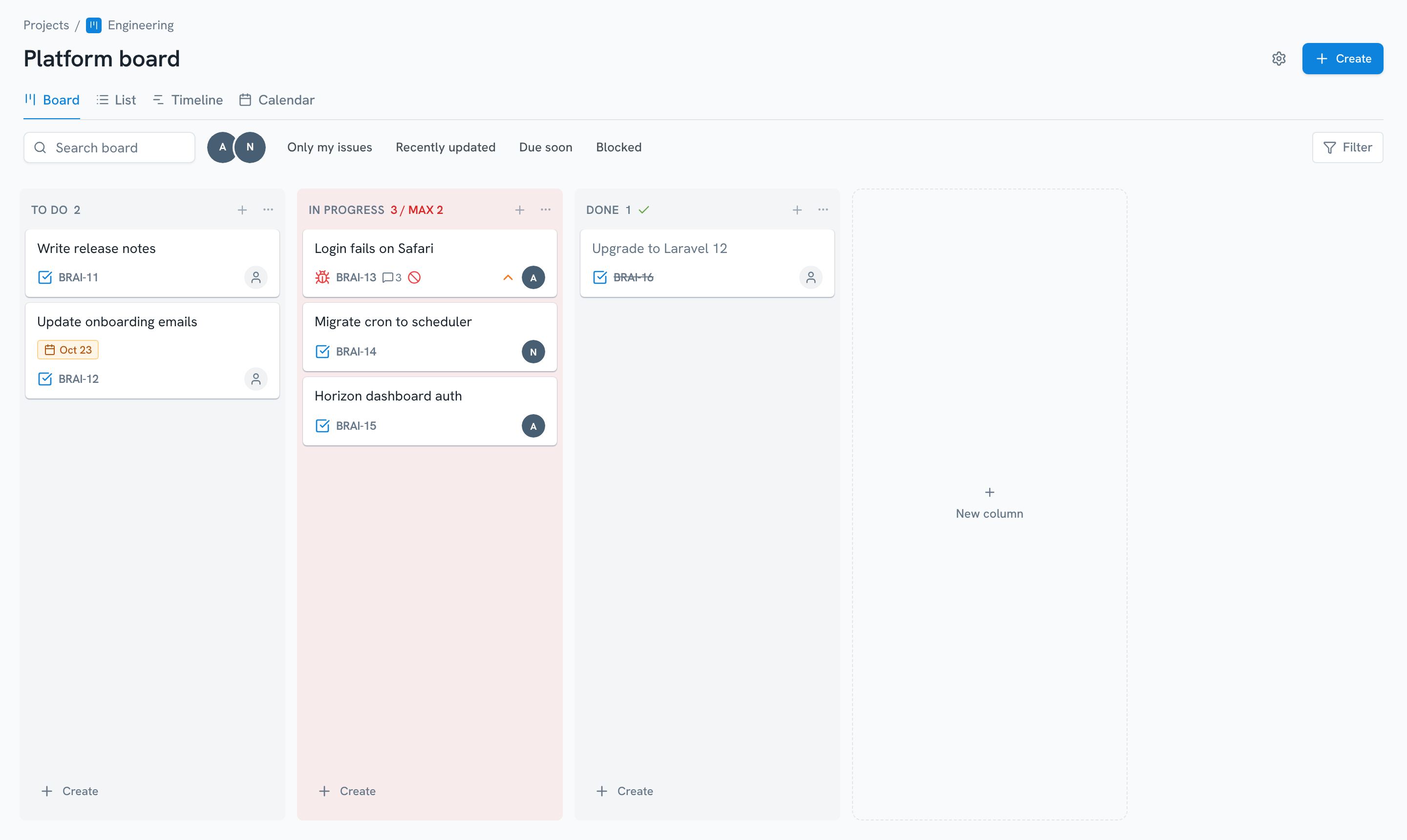
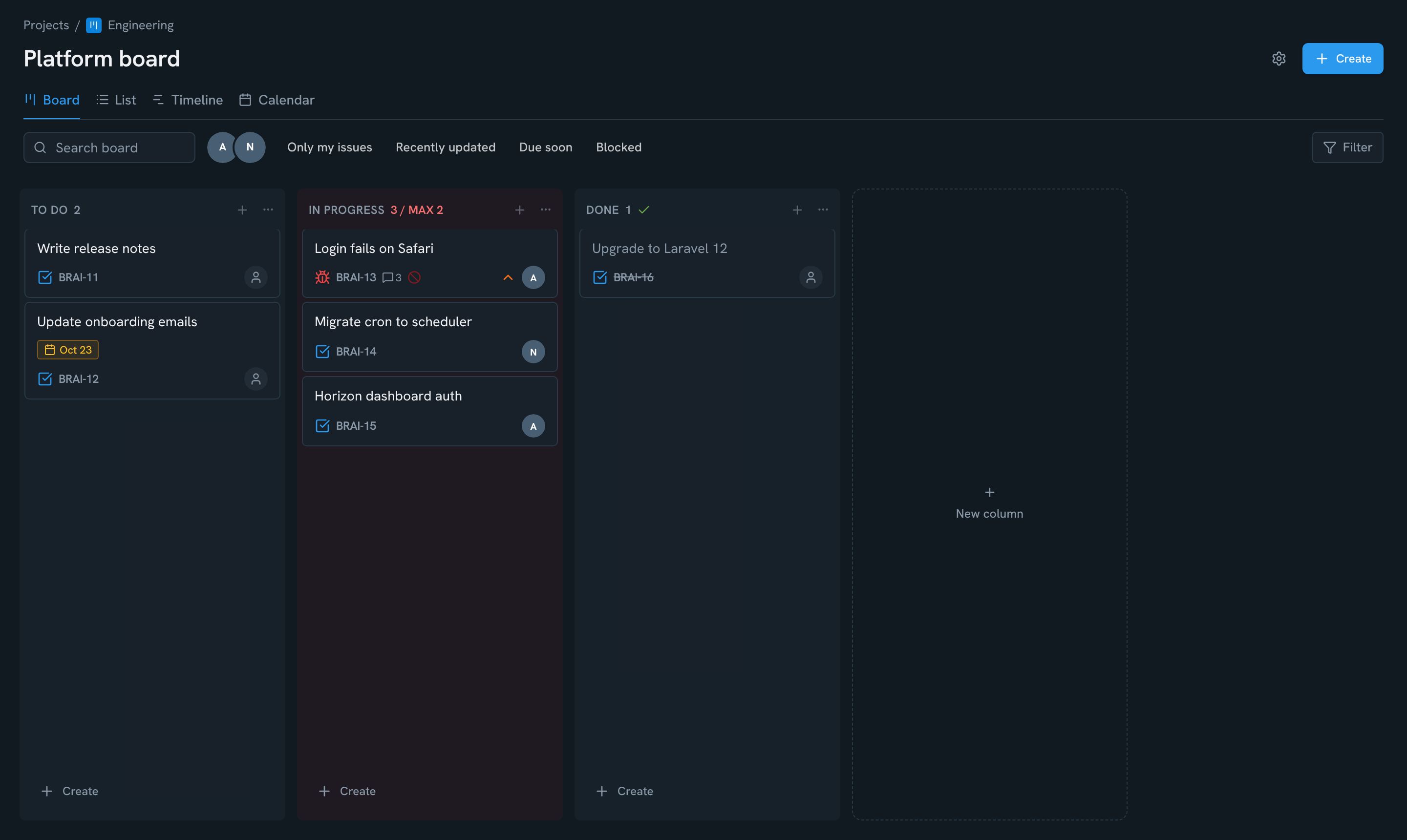
Boards & Scrum
Run the work on Kanban or Scrum boards
- Sprints, backlog, burndown and velocity
- WIP limits, quick filters, time tracking
- Full history on every issue
Docs & wiki
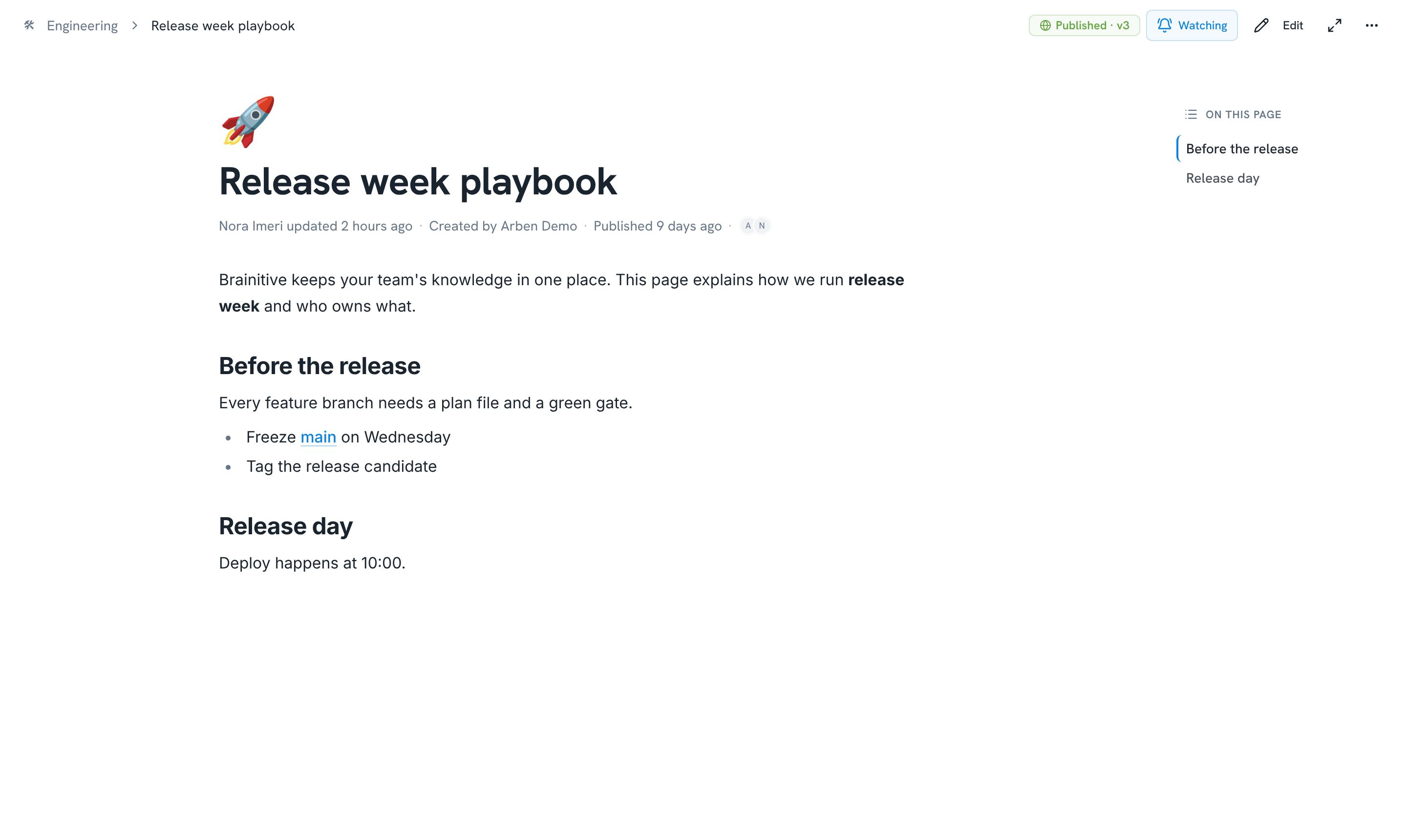
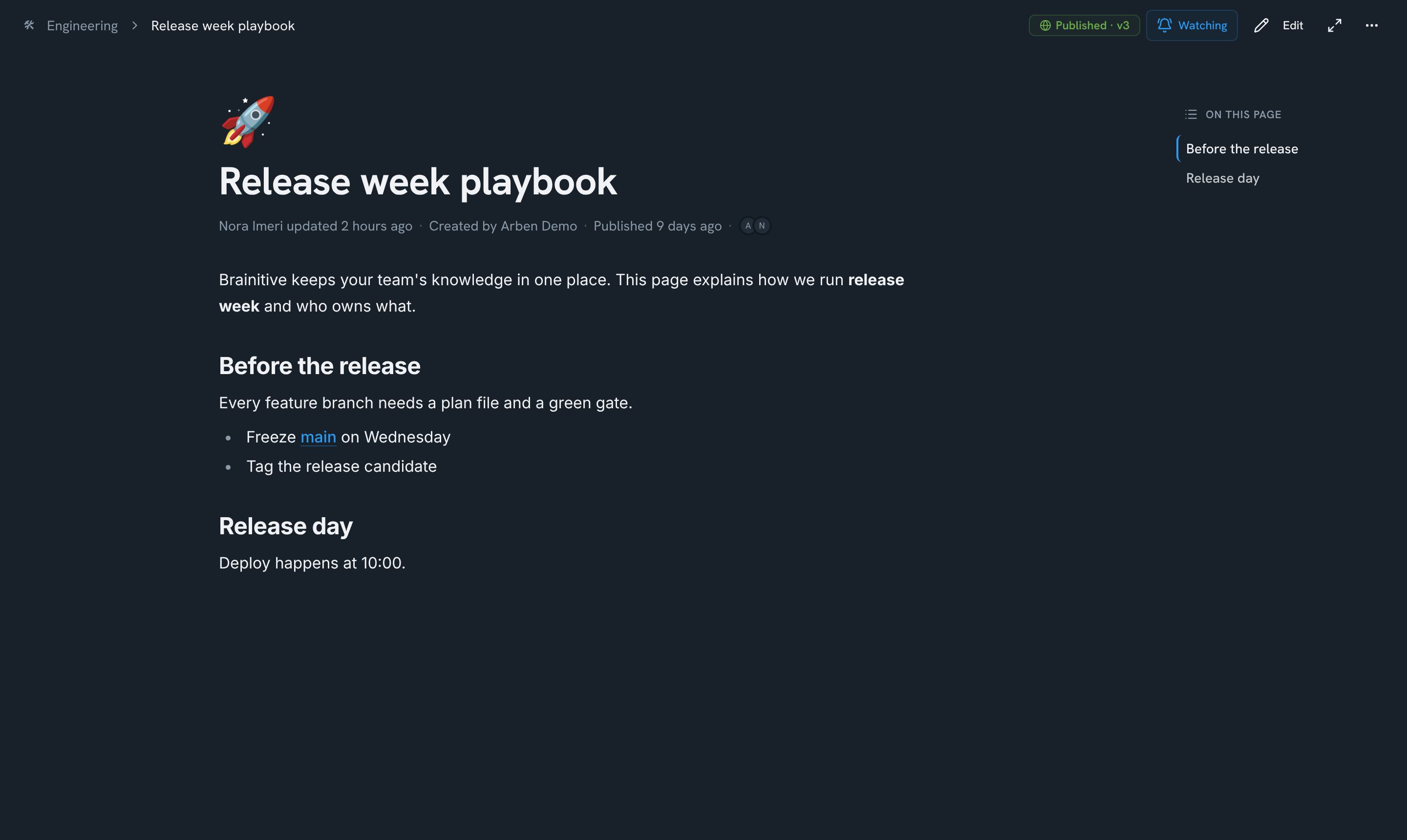
Write it down in calm, focused docs
- Floating toolbar and slash commands
- Drafts stay private until you publish
- Every version kept — restore any time
Whiteboards
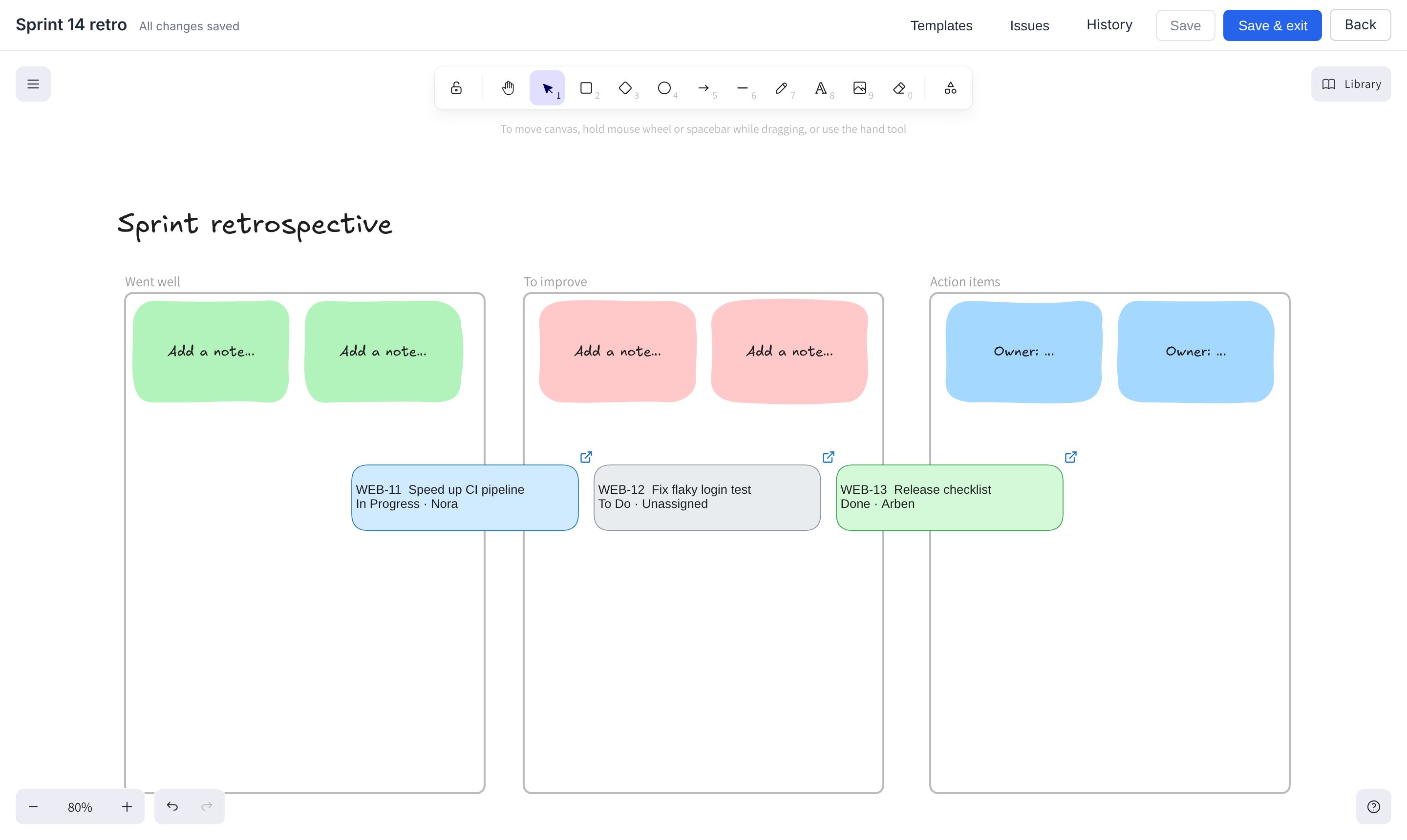
Workshop on a whiteboard, keep the outcome
- Retro, roadmap, story map and more templates
- Live issue cards on the canvas
- Turn sticky notes into issues in one click
My Work & capture
Capture a thought in a second
- Press C anywhere to open quick capture
- Ideas land in your private inbox
- Turn each one into the right thing later
Client portal & forms
Turn website visitors into leads
- Branded multi-step forms with logic
- Analytics and webhooks built in
- Every lead lands as a card
Helpdesk
Answer customers from one helpdesk
- Emails become tickets, replies stay in the thread
- SLA targets per priority, a warning before a breach
- A support widget and portal for your customers
Client portal & forms
Show clients the progress, get the approval
- Share chosen doc versions and plan snapshots
- Clients approve or request changes on the exact version
- They comment right where they review
Calendar & booking
Let people book a time with you
- Share one link to your booking page
- Your hours minus what’s in your calendars
- Your own meeting types, invites with Meet or Teams
Time tracking & billing
Track the time, bill the client
- Log time from the issue, the timer or your timesheet
- Your own activities and rates, VAT net or gross
- Invoices sent to the client — nothing billed twice
Stop switching.
Start shipping.
Every switch between tools costs focus. Inside Brainitive, everything your project needs is one click away — and when you are somewhere else, Brainitive comes with you.
- 1 app instead of 8 tools
- One search for everything
- One login, one bill
- No more copy-paste between tools

Open source. Self-host it or let us run it.
Every feature is free to self-host for organizations under €2M annual revenue. Brainitive Cloud runs it for you — updates, backups and support included.
Free
For trying Brainitive with a small team.
- Up to 3 members per workspace
- 5 projects, unlimited docs and boards
- 500 MB content · 3 GB files
- Version history: 7 days
- Every feature: boards, Scrum, docs, whiteboards, Gantt plans
Starter
For small teams that work on Brainitive every day.
- Up to 25 members per workspace
- 30 projects, unlimited docs and boards
- 5 GB content · 50 GB files
- Version history: last 5 forever, older ones 30 days
- Everything in Free
Team
For teams that run their projects on Brainitive.
- Unlimited members and projects
- 10 GB content · 100 GB files
- Extra storage when you need it (coming soon)
- Full version history, forever
- Email support (within 2 business days)
Business
For companies with compliance needs.
- Everything in Team, unlimited storage
- Priority support (next business day)
- Data processing agreement (DPA / AVV)
- 99.9% uptime SLA
- Daily backups with 30-day restore
Self-hosted
Every feature, unlimited users, on your own server — free for organizations under €2M annual revenue, and always for personal, non-profit and educational use. One Docker command to start, community support on GitHub. Licence terms